01
Acquire
Launch Pages, embed capture widgets, route submissions, receive WhatsApp demand, and move new prospects into CRM without manual cleanup.
Workroomly connects Pages, CRM, conversations, support, meetings, boards, goals, files, and AI so teams can capture demand, win customers, and deliver the work without losing context.
Workroomly is built around the customer loop, not a pile of disconnected apps. Every module strengthens one of the three motions that turn interest into retained customers.
Launch Pages, embed capture widgets, route submissions, receive WhatsApp demand, and move new prospects into CRM without manual cleanup.
Work deals, campaigns, email, inboxes, meetings, and chat against one customer timeline so every follow-up lands with full context.
Resolve support, manage customer work, track goals, keep files close, and use CoBrain to keep handoffs moving after the sale.
A unified surface for customer ops, communication, and execution
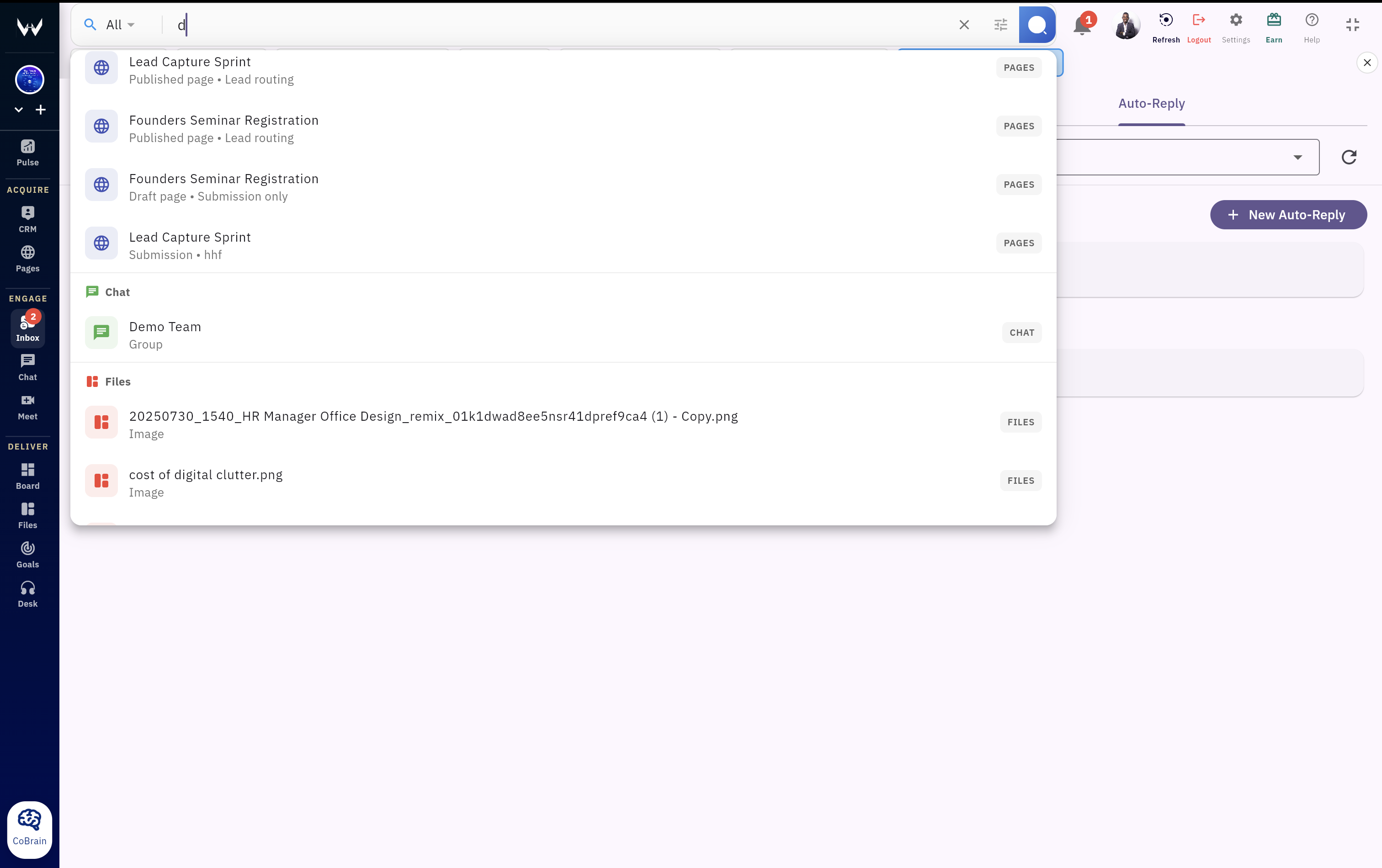
Open CRM, Desk, inbox, files, boards, and chat side-by-side so work stays connected instead of scattered across browser tabs.
Search deals, customer conversations, tickets, files, notes, and tasks from one place with shared context across modules.
One stream for mentions, follow-ups, assignments, pipeline changes, and customer updates without notification overload.
Role-aware access, audit visibility, and workspace controls keep teams secure while still moving fast.
AI that understands your customer operations context and helps move work forward
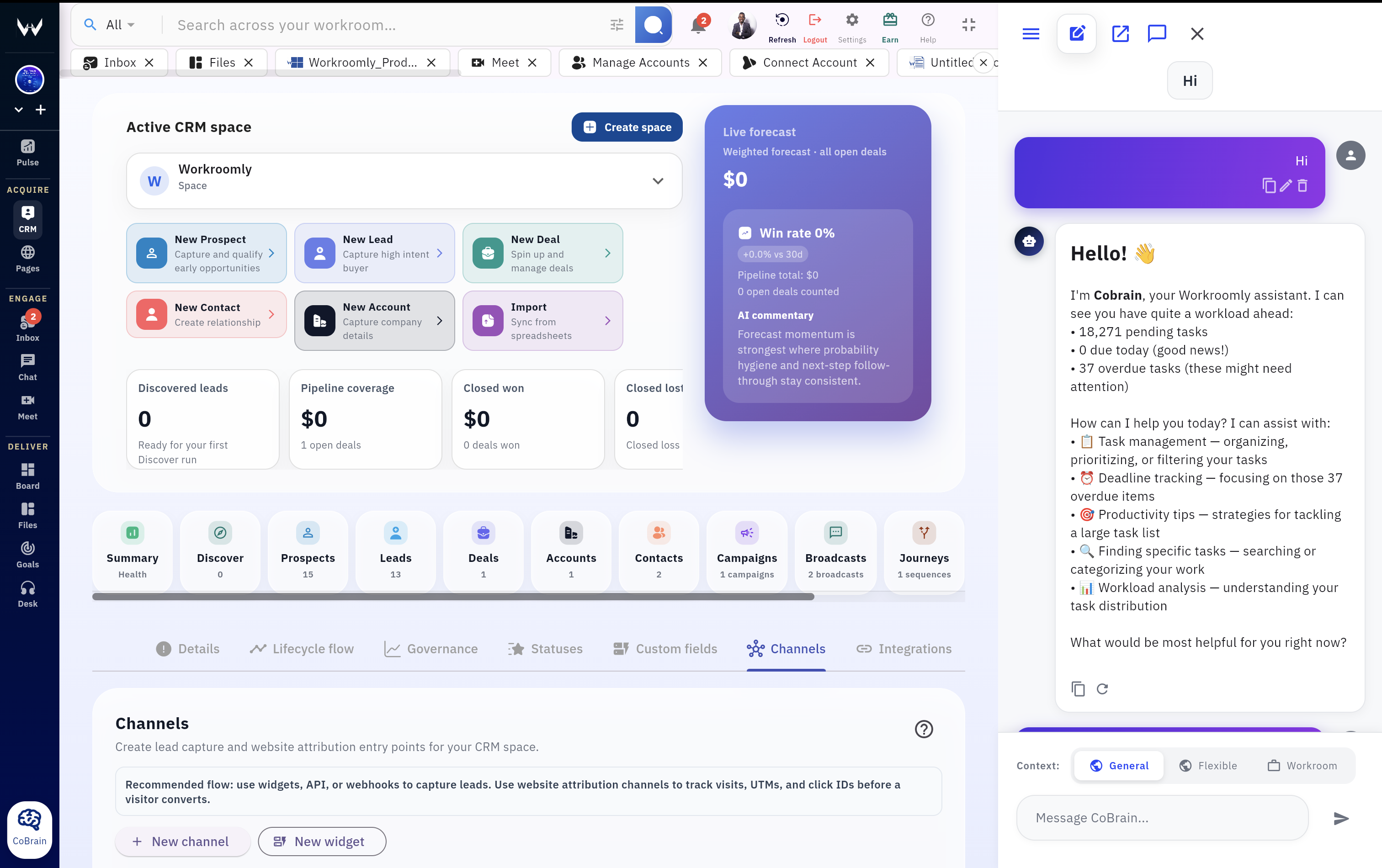
Ask CoBrain about deals, tickets, customer history, meetings, files, or team execution and get responses grounded in your workspace context.
See the underlying records, conversations, and docs that informed the answer so operators can verify before they act.
Use AI to summarize tickets, spot pipeline risks, prep reviews, draft follow-ups, and keep handoffs moving in context.
Open CoBrain in a full tab, floating assistant, or alongside live work so help is always one step away.
Publish conversion pages, embed lead widgets, route submissions, and send every qualified prospect into CRM
Offer, context, and routing live together so demand lands in the right workflow.
Use Pages as the conversion surface and place capture widgets where prospects already show intent.
Send submissions through the right qualification path so the correct team, owner, and lifecycle stage are set from the start.
Convert inbound WhatsApp conversations into CRM leads automatically so hot demand never gets stranded in chat.
Push demand from ads, partner systems, and product experiences into the same acquisition pipeline.
Run the full customer lifecycle from prospects to leads to deals, accounts, and relationships
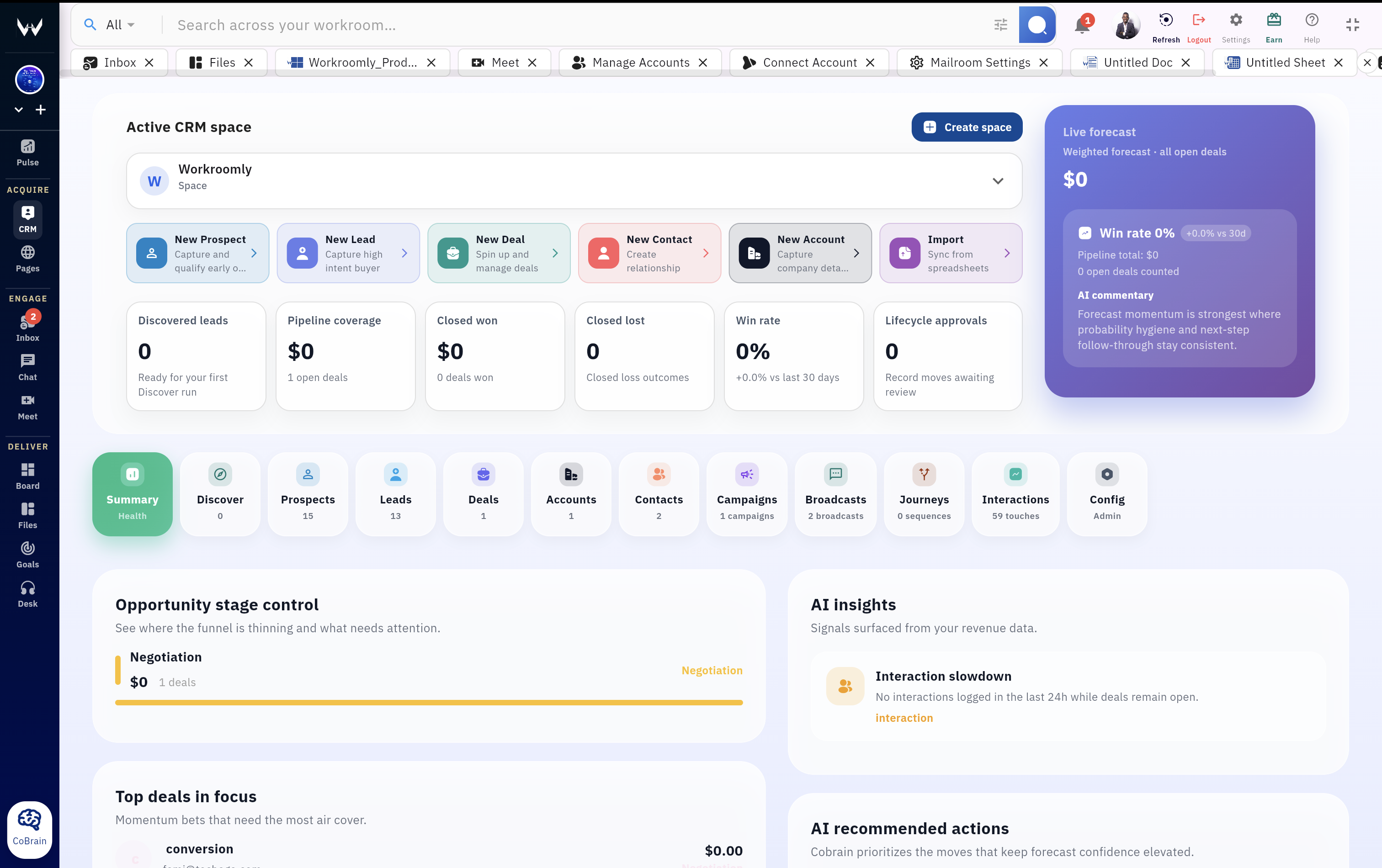
Work with prospects, leads, deals, accounts, contacts, campaigns, broadcasts, and sequences from one connected CRM surface.
Move opportunities through stages with table, kanban, and structured views built for day-to-day follow-through, not just reporting.
Keep company records, stakeholder details, and customer interactions in one place instead of spreading them across several tools.
Define stages, transitions, blueprints, and customer data structures that reflect how your team actually operates.
Every inbox and calendar in one operational view with customer context attached
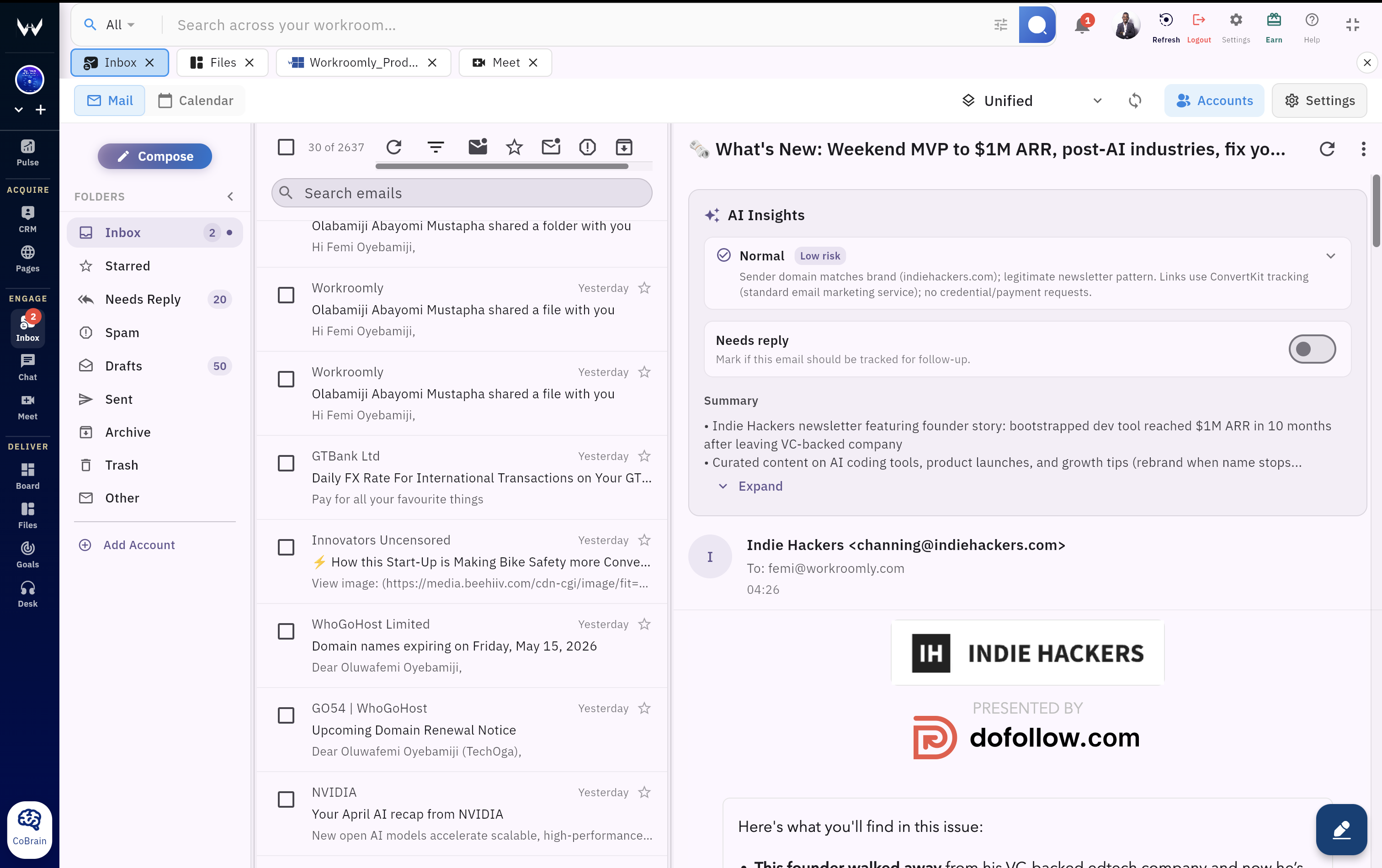
Connect multiple accounts and operate from one inbox surface instead of bouncing between providers and tabs.
Keep meetings, email threads, and follow-through in one place so customer communication does not drift away from execution.
Map incoming email to the right customer records so teams can act with lifecycle awareness instead of replying blind.
Find the right thread, attachment, or event quickly across connected accounts without losing momentum.
Custom domain mailboxes included inside the same customer operations system
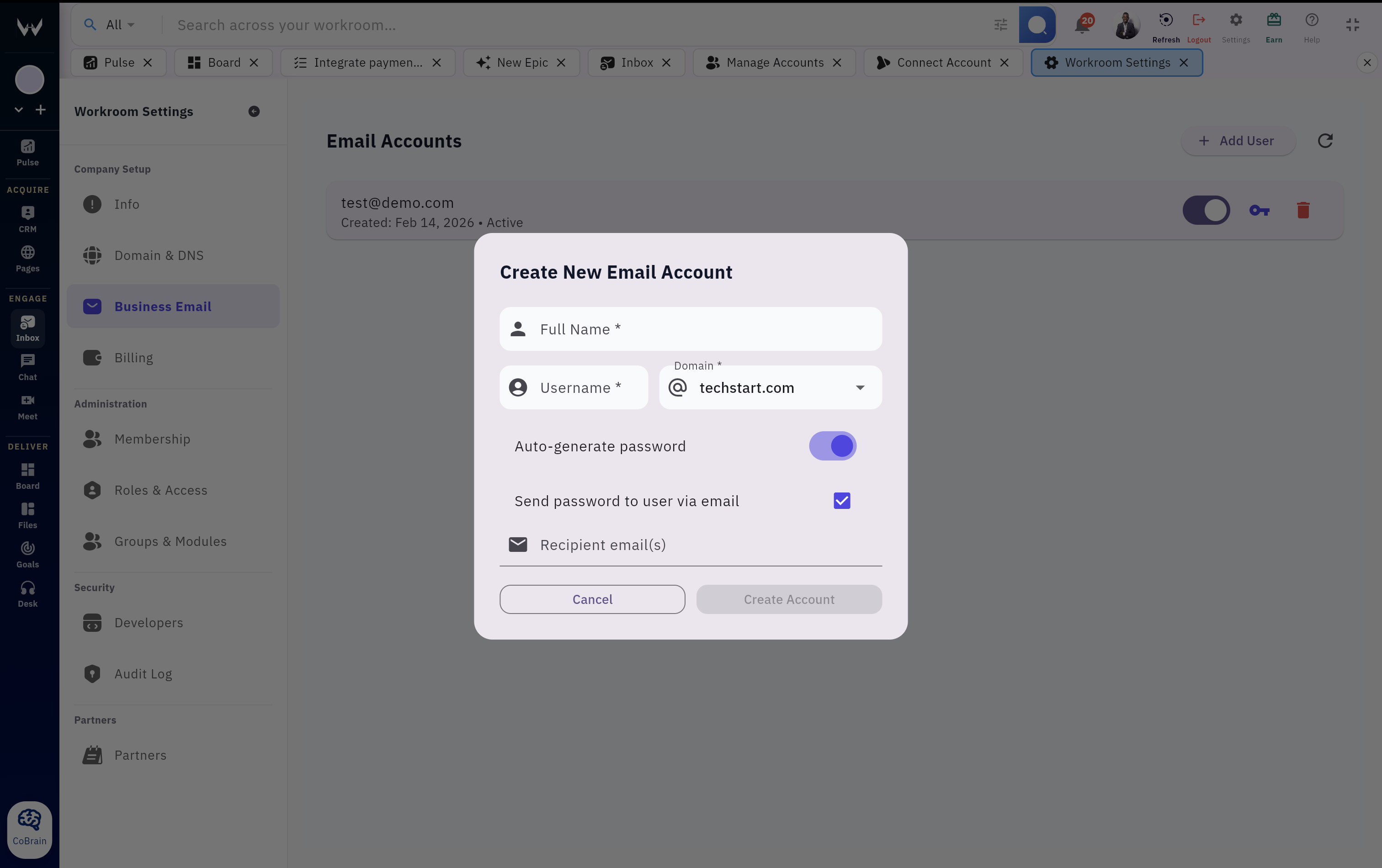
Provision business email on your domain without bolting on another provider just to run customer communication properly.
Give teams one workspace login for business email, inbox, CRM, support, and internal execution instead of fragmented access points.
Use the operational benefits of custom business email with stronger security and workspace-level governance.
Email conversations stay closer to the rest of your customer system instead of living in a disconnected communications silo.
Live briefings across pipeline, support, customer activity, and internal execution
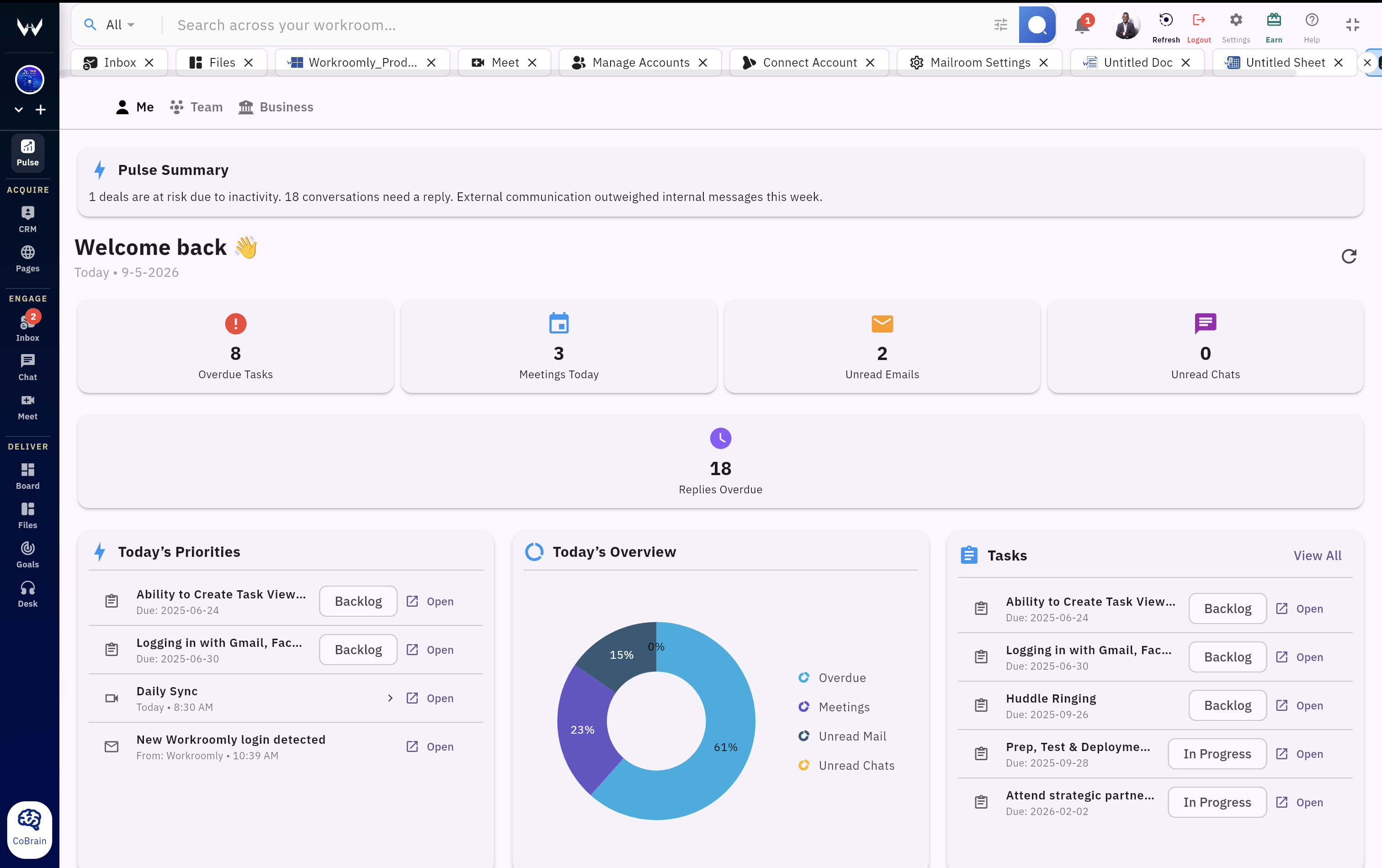
Start the day with a live summary of what matters across deals, customer requests, meetings, tickets, and follow-ups.
Surface overdue deals, support pressure, blocked work, and customer risks without stitching reports together manually.
See how conversations, customer activity, and internal work connect instead of managing each area in isolation.
Stay on top of what needs action now instead of drowning in low-signal updates from scattered systems.
HD meetings with searchable notes, recaps, and next steps tied to live work
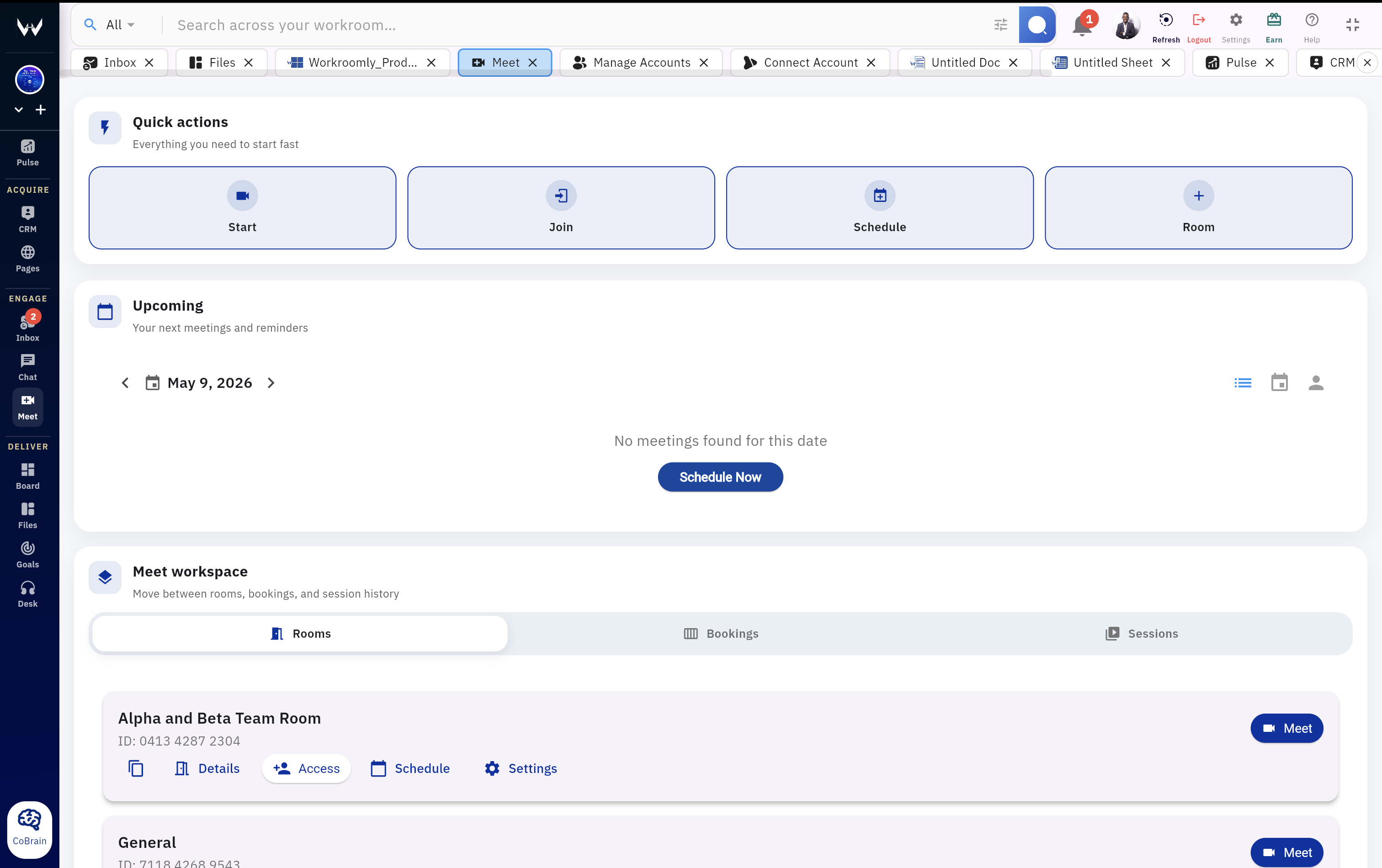
Run calls inside the same system where customers, tickets, boards, and notes already exist instead of fragmenting context into another app.
Get summaries, searchable notes, and next-step recall without losing important context once the call ends.
Turn decisions into visible execution instead of leaving outcomes trapped in another meeting platform.
Keep reference material close to the rest of your operating system so customer reviews and team meetings stay actionable.
Real-time internal communication tied directly to the customer work it references
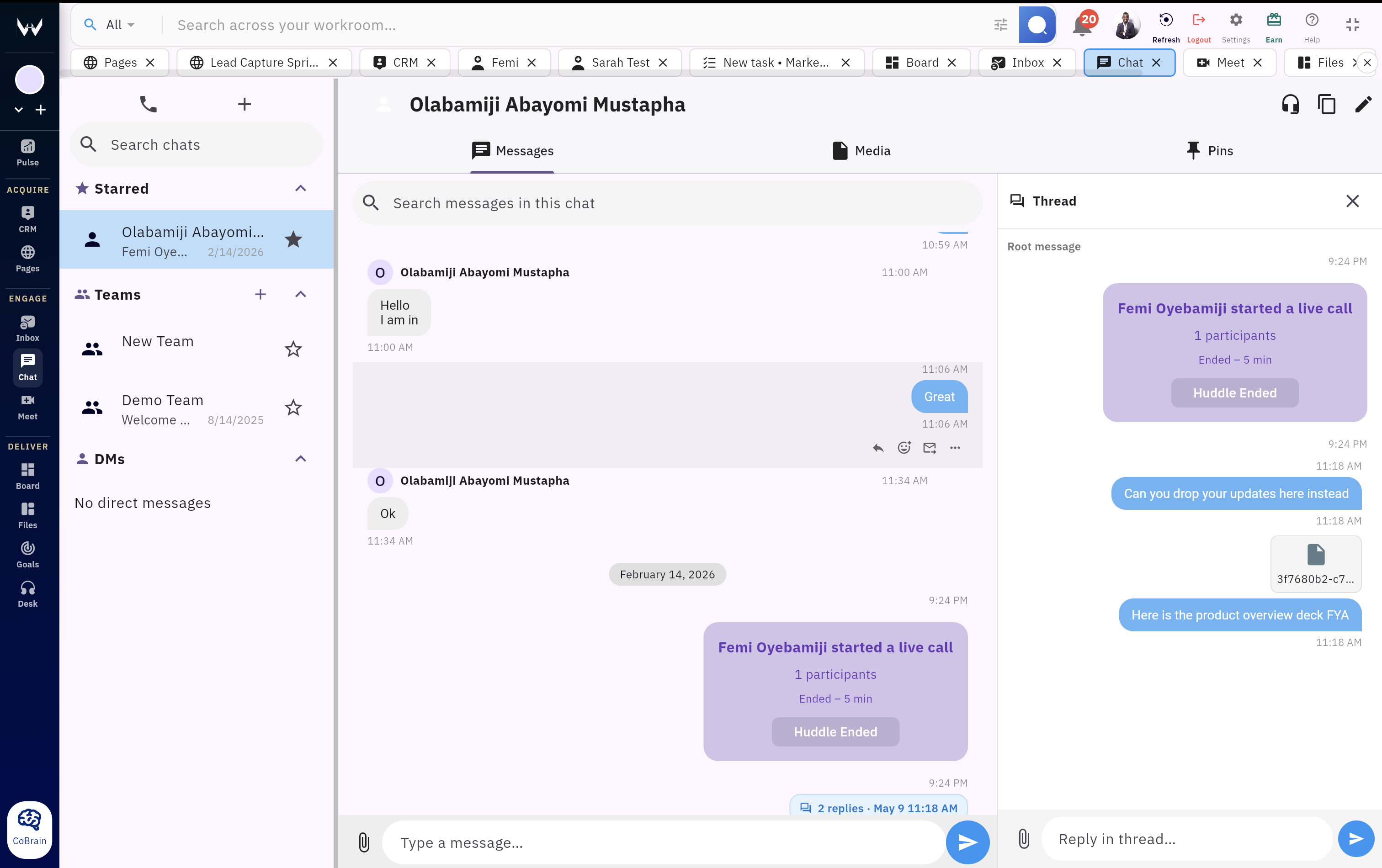
Turn messages into follow-ups and visible work without copy-pasting conversations into other tools.
Keep important decisions, escalations, and operating notes easy to find when teams need them later.
Route the right people into the right discussion quickly without losing clarity in noisy channels.
Collaborate with the same confidence and governance you expect from the rest of your operating system.
Support tickets, internal requests, and service handoffs connected to full customer history
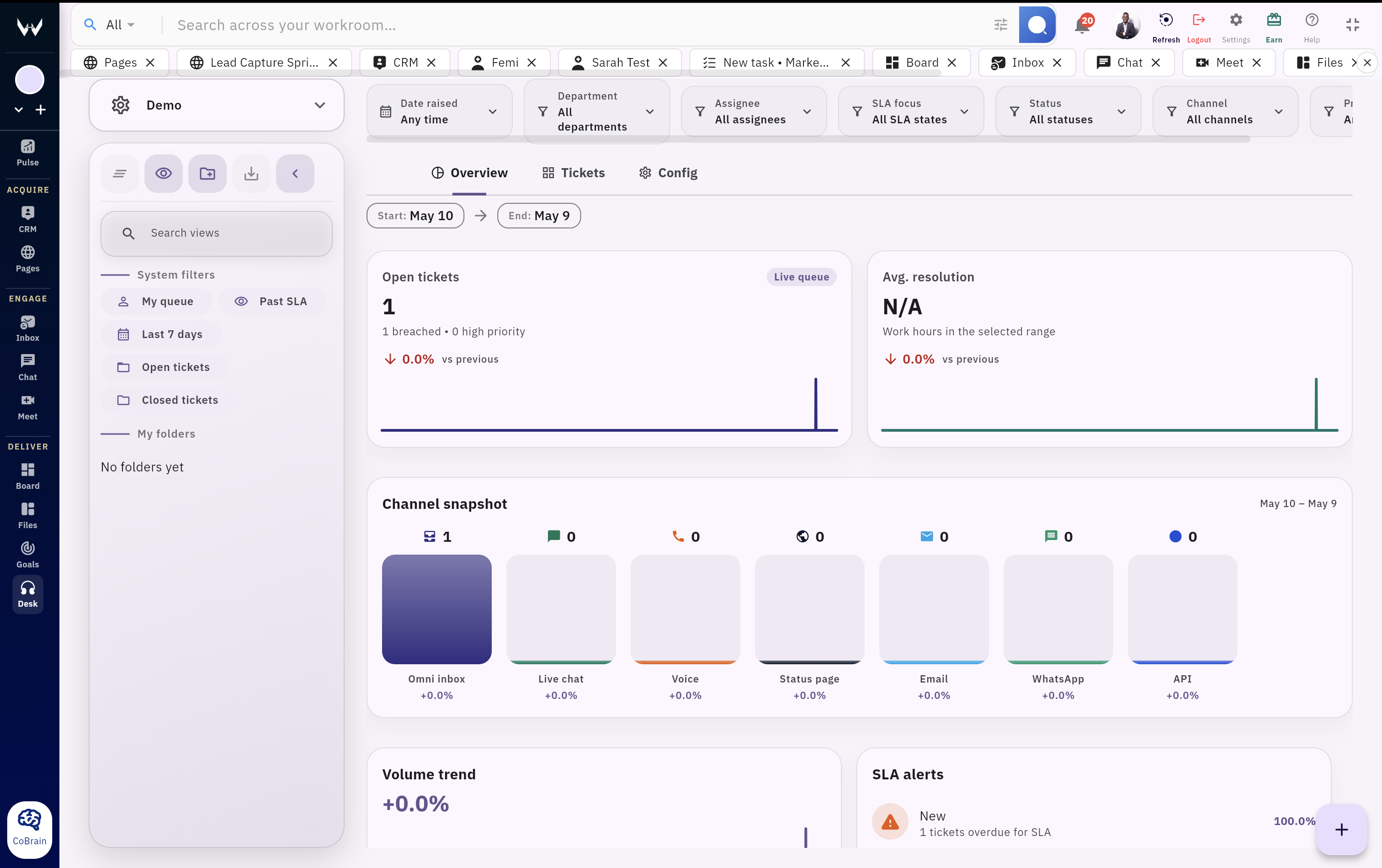
Handle support issues, internal requests, and escalations from one desk instead of jumping across inboxes and separate helpdesk software.
Support teams see the account, contact, deal history, and prior conversations behind every ticket before they respond.
Organize service work by status, owner, urgency, or team-specific routing so operators stay ahead of escalations.
Track response patterns, resolution trends, and support load without exporting data into separate reporting tools.
Coordinate the internal work that keeps customer operations moving
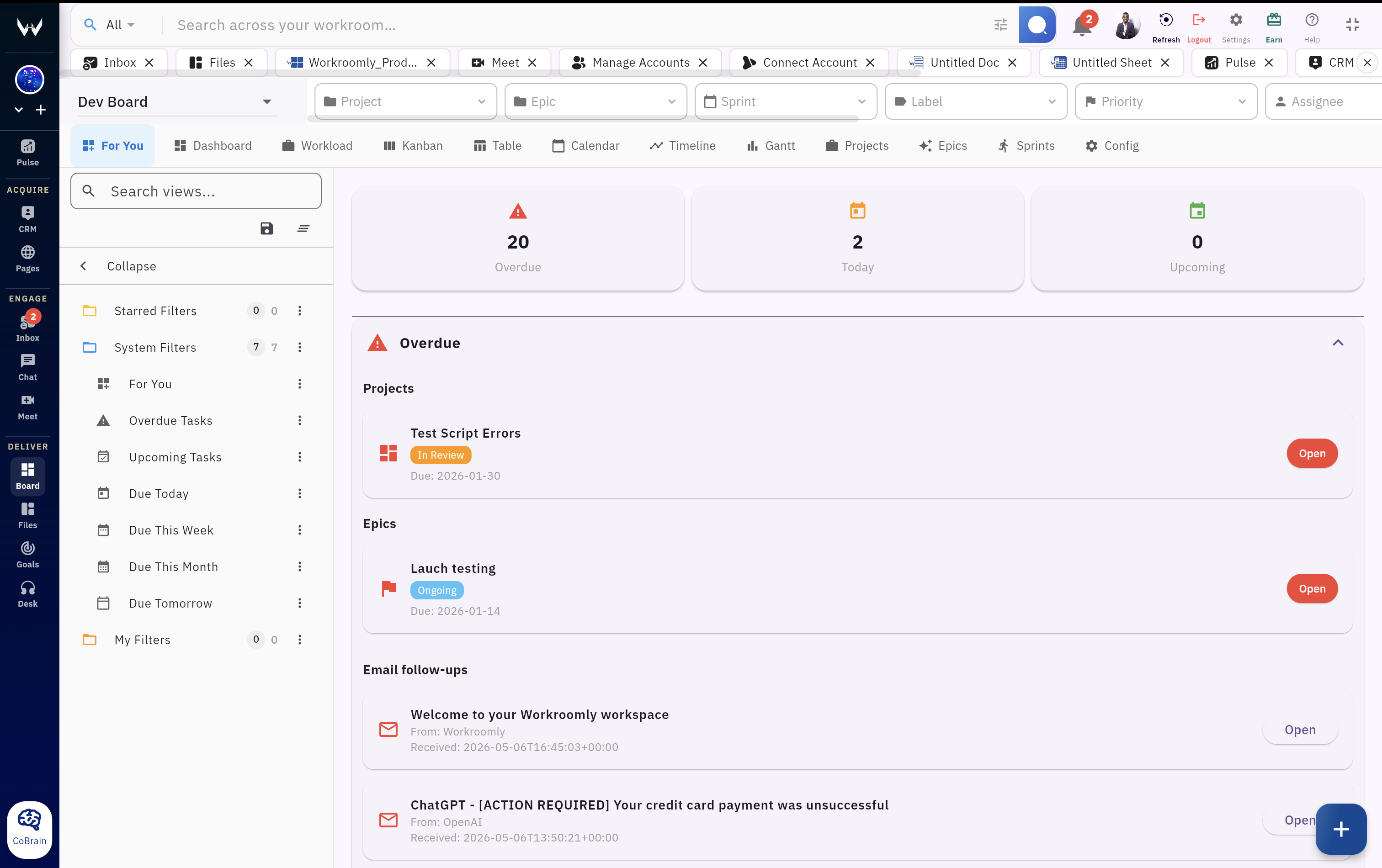
Use kanban, table, timeline, or sprint views for the behind-the-scenes work that supports sales, onboarding, delivery, and service.
Turn internal follow-through from CRM, Desk, meetings, or chat into tracked execution instead of letting it disappear into memory.
Adapt boards to your internal processes without forcing your team into rigid templates that do not match reality.
See what is happening across customer delivery and internal operations without stitching together scattered project tools.
Tie customer-facing execution to the objectives that matter for growth and accountability
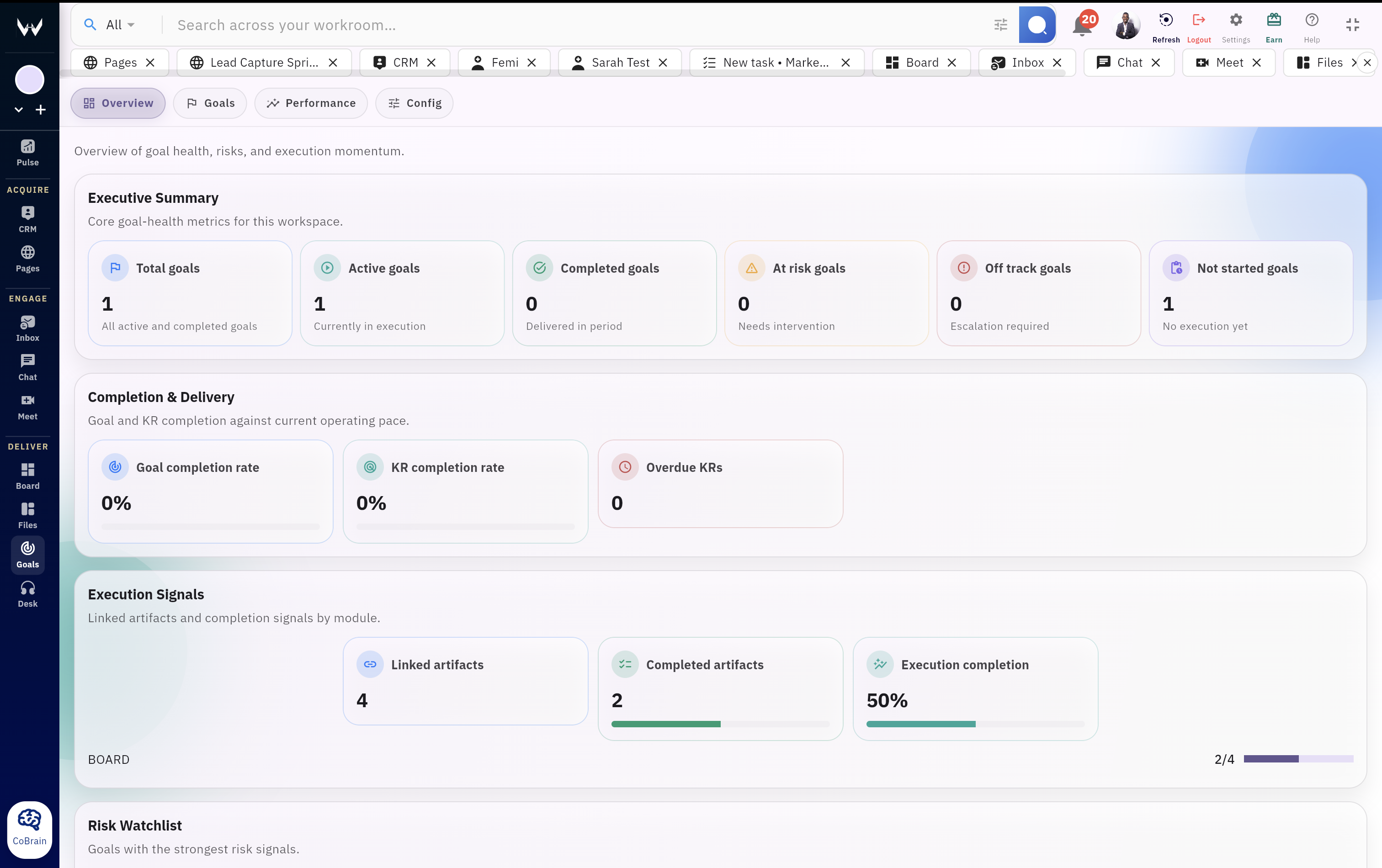
See goals by personal, team, and company scope so leaders can connect execution to the right level of accountability.
Spot off-track objectives earlier and connect them back to the underlying execution work instead of reacting late.
Link outcomes to active boards, tasks, and execution so strategy is not separated from what the team is actually doing.
Use goal structures that support planning discipline, review cycles, and controlled updates over time.
Keep docs, assets, notes, and supporting material close to the work they belong to
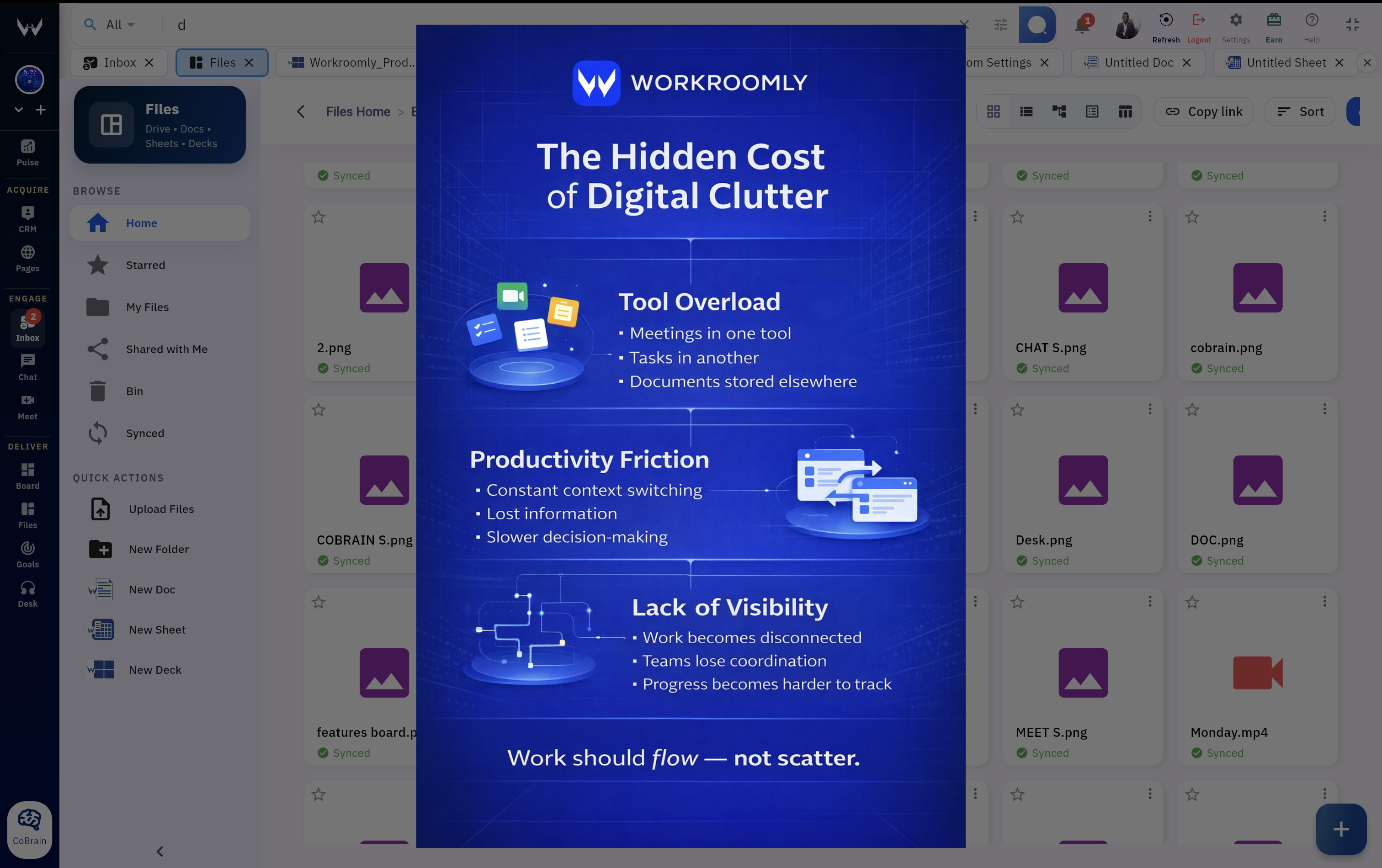
Keep supporting material connected to deals, tickets, meetings, and boards instead of burying it in another drive with no context.
Create and edit working material inside the same operating system instead of jumping into separate document tools to keep work moving.
Give teams a central place for notes, attachments, and assets that remain visible alongside customer operations and execution.
Store important material in one governed system with the same operational convenience as the rest of your workspace.