Workroomly Files

Keep every work file connected to the customer journey.

Workroomly Files keeps docs, sheets, decks, uploads, and shared folders beside the teams that acquire customers, engage them, and deliver the work they bought.

  • 0x faster document collaboration
  • 0% file visibility across teams
  • Zero lost project specs
Workroomly Files interface with folders, collaborative documents, and previews
Document Updated
Comment Added
File Shared With Team
  • Spec Drafted
  • Team Editing
  • Sheet Updated
  • Deck Reviewed
  • Final Delivered
File Reality

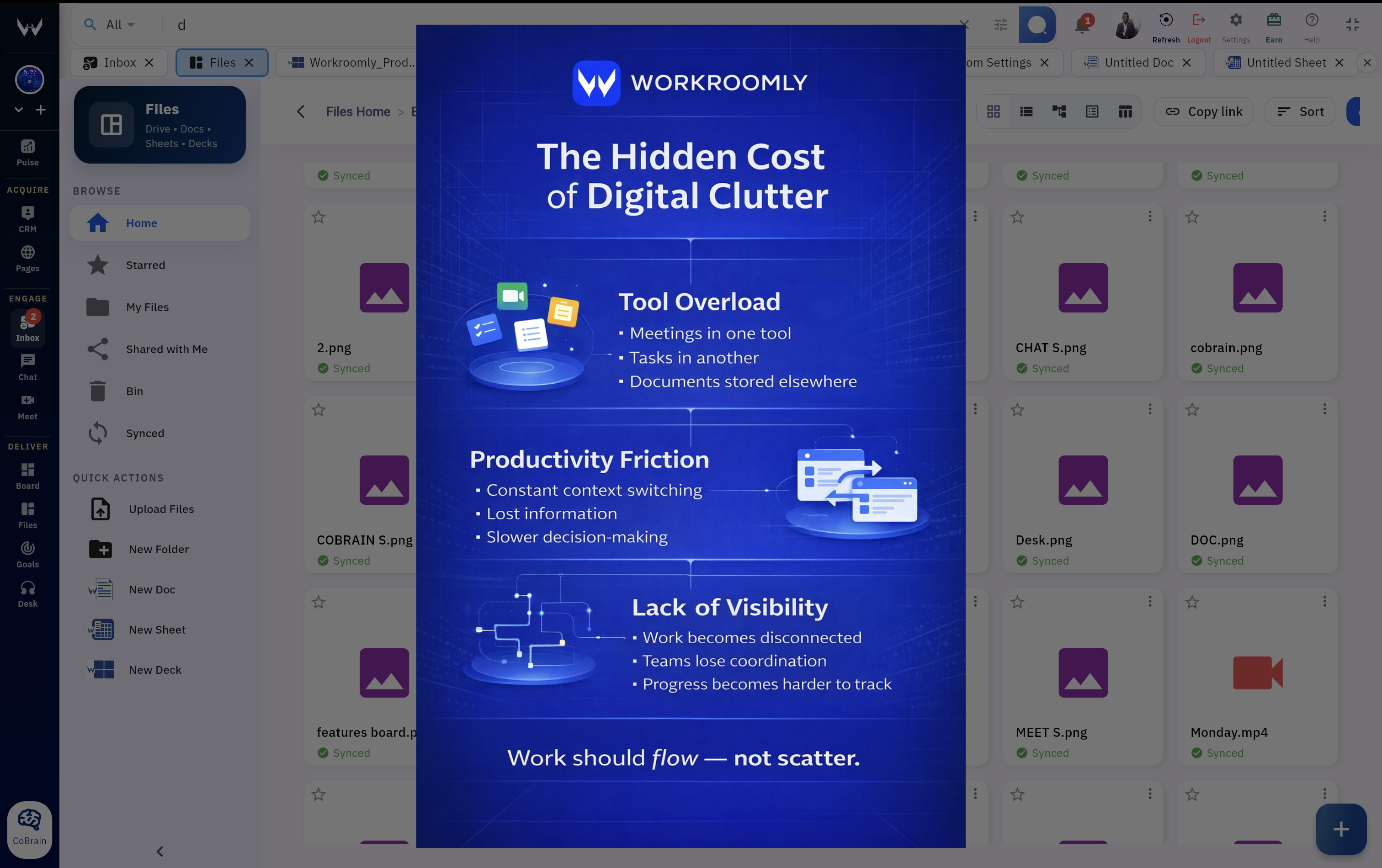
File chaos starts when work and documents live apart.

When docs, sheets, decks, and uploads sit outside the workstream, ownership breaks, context disappears, and teams slow down at handoff moments.

Disconnected File Stack

  • Specs in isolated docsNo ownership trail
  • Files scattered across shared drivesHard to retrieve
  • Finance sheets in email threadsVersion conflict
  • Slides buried in chat uploadsNo review history
  • No link to tasks or dealsExecution drift

Result Critical files become invisible exactly when teams need speed and certainty.

Connected Workroomly Files

  • Central file hubSingle source of truth
  • Real-time document collaborationShared edits live
  • Files attached to work contextExecution aligned
  • Clear ownership and historyAudit-ready traceability
  • Searchable and organized file libraryFaster retrieval
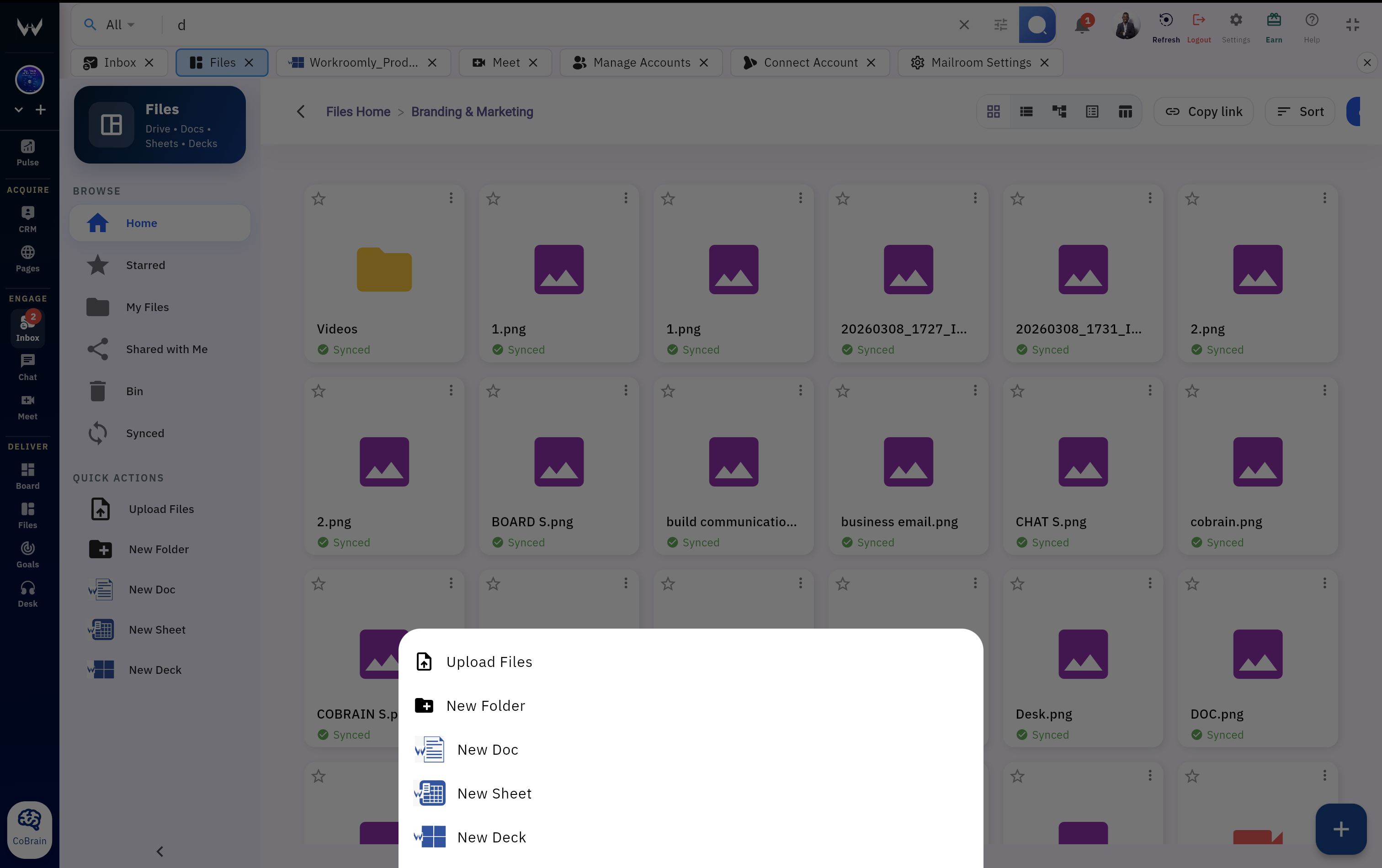
Workroomly Files with organized folders, team collaboration, and searchable assets

Result Documents stay connected to work, owners, and delivery timelines.

Files Capabilities

One workspace for docs, sheets, decks, uploads, and shared folders.

Workroomly Files gives teams a practical file hub for creating, uploading, organizing, previewing, sharing, and reviewing the assets behind customer work.

Unified Drive Storage

Secure file storage platform with folder hierarchy, fast previews, and organized team access controls for every function.

  • Structured folders and sub-folders for clean hierarchy
  • Secure storage with file preview and advanced search
  • Shared drive visibility across cross-functional teams
Unified drive storage in Workroomly Files

Real-Time Document Collaboration

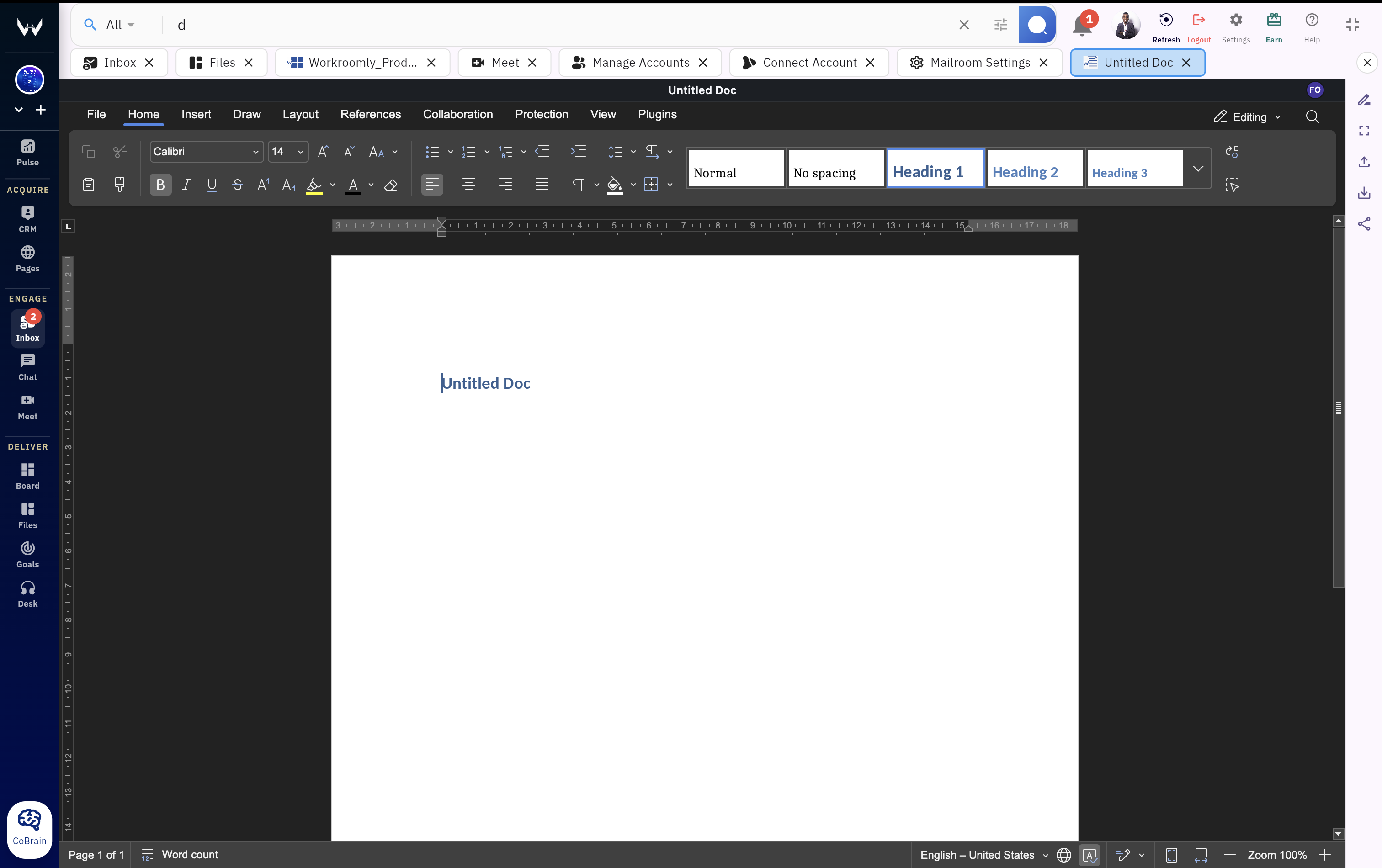
Write and review rich documents with inline comments, mentions, simultaneous editing, and version history that preserves accountability.

  • Collaborative editing with shared cursor updates
  • Inline comments and @mentions for fast decision loops
  • Version history and change tracking for governance
Real-time document collaboration in Workroomly Files

Collaborative Spreadsheets

Run planning, reporting, and operational models in shared sheets with structured data editing and formula support.

  • Team collaboration in live sheets
  • Calculations and formulas for planning models
  • Financial reporting and forecasting workflows
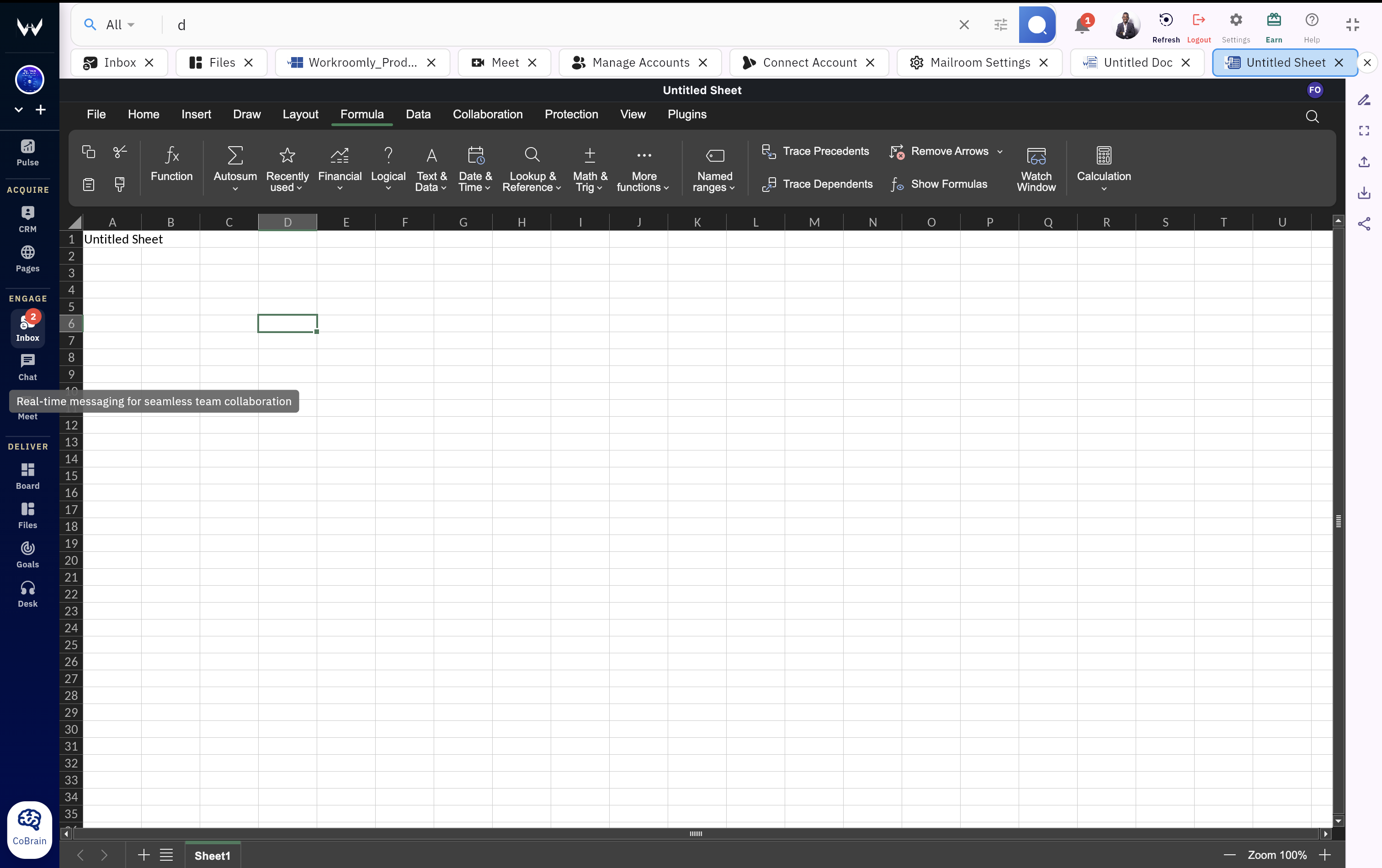
Spreadsheet collaboration and structured data editing in Workroomly

Presentation Creation

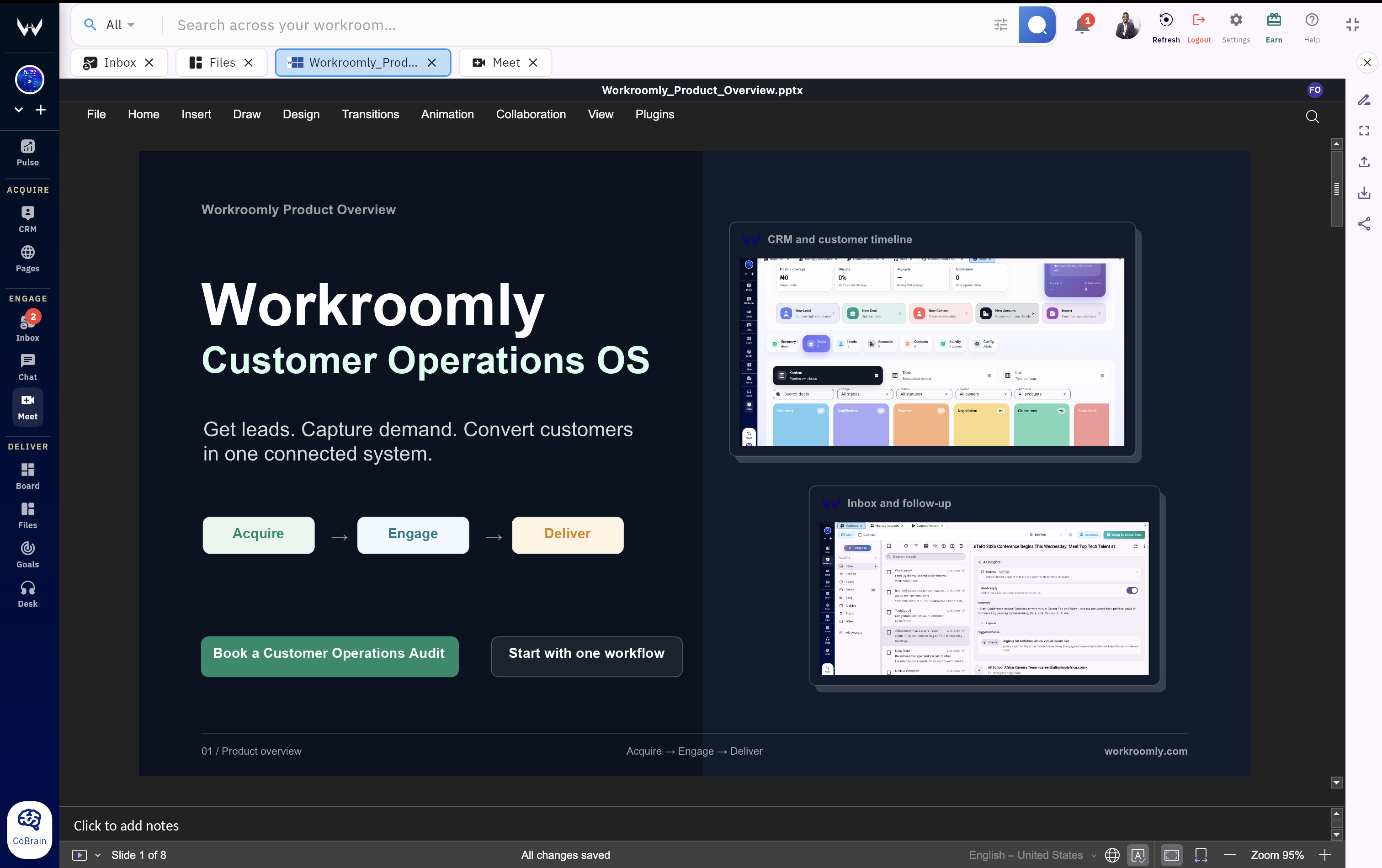
Create decks collaboratively with version tracking, shared review workflows, and controlled publishing to stakeholders.

  • Slide editor for internal and client presentations
  • Team feedback before final delivery
  • Presentation version control across revisions
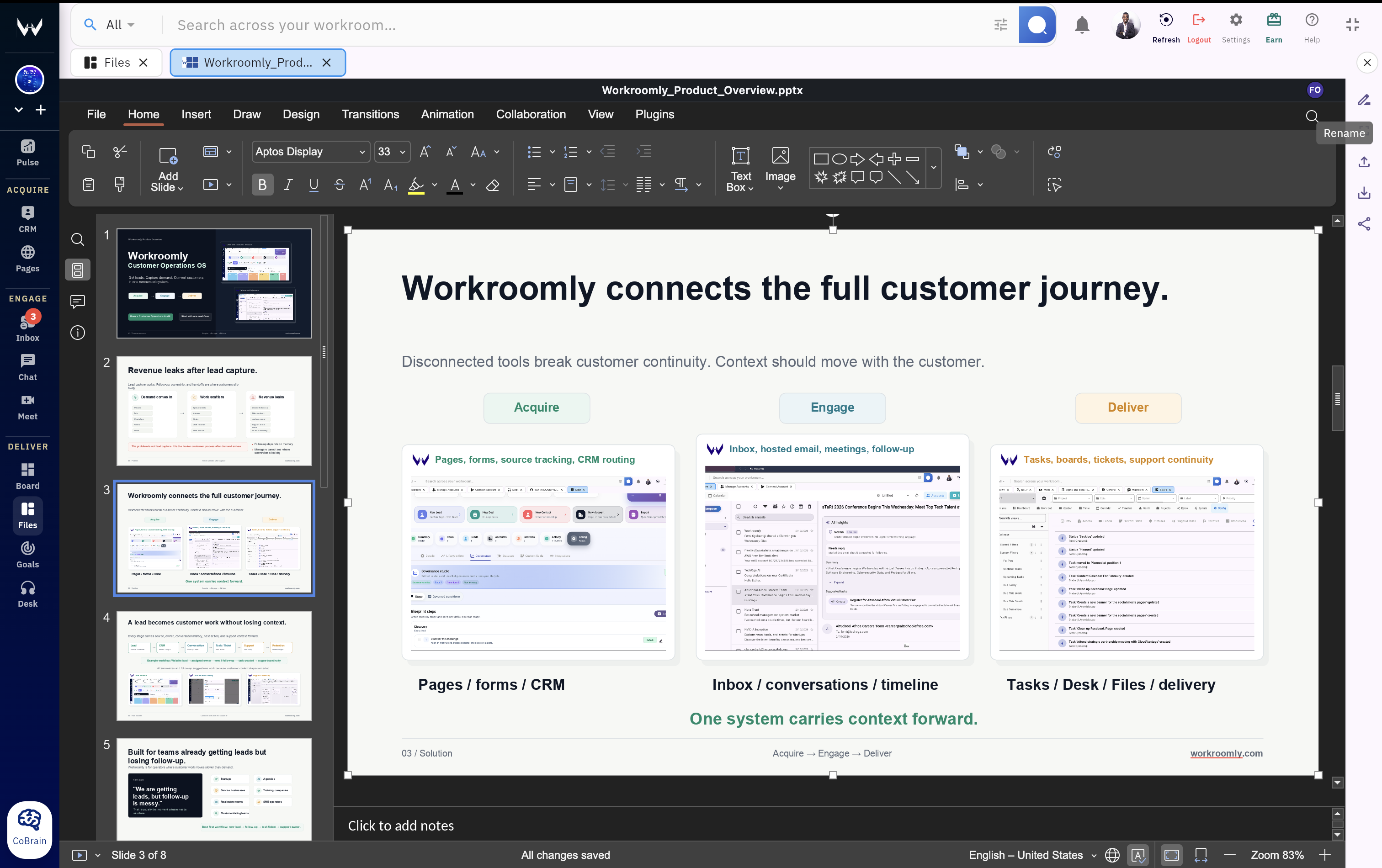
Collaborative presentation creation in Workroomly Files

Permissions and Sharing

Enforce role-based document access with permission controls, private sharing controls, and visibility boundaries by team.

  • Role-based access for viewers, editors, and admins
  • Public or private sharing by file or folder
  • Controlled visibility for sensitive documents
Permissions and sharing controls in Workroomly Files
Acquire, Engage, Deliver

A file flow that follows the work.

The same workspace can hold acquisition assets, customer collaboration files, and final delivery materials without forcing teams to rebuild context.

01

Asset Created

A team member creates docs, sheets, decks, or uploads files into the right shared folder.

02

Team Reviews Together

Stakeholders review, comment, and align quickly in the same workspace.

03

Comments & Changes Tracked

Version history and inline feedback maintain audit-ready visibility and decision memory.

04

Files Linked to Work Context

Documents are linked to deals, tasks, tickets, pages, meetings, and team threads.

05

Deliverables Finalized

Teams publish approved assets with full traceability from draft to delivery.

Execution Advantage

Workroomly Files is stronger because it lives inside execution.

Traditional document suites keep files separate from live work. Workroomly Files keeps acquisition, engagement, support, meetings, goals, and delivery assets close to the teams using them.

Traditional Document ToolsFiles stay isolated from execution.

  • Files live in isolated drives
  • Specs disconnected from execution workflows
  • No direct link between documents and work objects
  • Teams repeatedly copy links between tools

Teams spend energy searching, syncing, and re-explaining instead of shipping. Document tools become archives, not execution surfaces.

Workroomly FilesDocuments become a native operating layer.

  • CRM attaches proposals and contracts to deals
  • Boards connect documentation to project tasks
  • Desk stores support attachments with tickets
  • Pages keeps uploaded assets with routed submissions
  • Meet supports live document review in calls
  • Chat enables threaded discussions on files
  • Goals tie documentation milestones to OKRs
CRM + Files Commercial docs stay attached to account and deal timelines.
Boards + Files Task owners always work from the latest linked spec.
Desk + Files Support evidence and manuals stay with ticket history.
Pages + Goals Uploads and milestones are tracked as measurable impact.
Customer Work Scenarios

Use cases across acquire, engage, and deliver.

Workroomly Files supports teams that need every file to stay tied to the customer, owner, and next step.

Product Specs and Documentation

Pain: Product requirements drift across disconnected docs and task boards.

Workroomly move: Specs, comments, and revisions stay linked to delivery tasks from start to release.

Financial Planning and Reports

Pain: Budget sheets and reporting packs circulate in email without a trusted latest version.

Workroomly move: Finance teams collaborate in shared sheets with controlled access and version history.

Sales Proposals and Contracts

Pain: Proposal drafts and contracts get detached from deal timelines and approvals.

Workroomly move: Revenue teams attach every commercial document directly to CRM deals and accounts.

Client Deliverables

Pain: Agencies lose track of revision rounds across chats, shared drives, and links.

Workroomly move: Deliverables stay centralized with comments, approvals, and ownership in one workspace.

Knowledge Base and Internal Docs

Pain: Operations playbooks and SOPs become outdated across duplicated folders.

Workroomly move: Internal docs remain searchable, versioned, and tied to team goals and workflows.

Connected Context

File storage becomes more useful when it understands the work around it.

Document products are useful on their own. Workroomly Files adds workspace context so content stays connected to customers, teams, and outcomes.

Capability Workroomly Files Google Docs Suite Microsoft 365 Notion
Documents, sheets, decks, and storage Unified Native One collaborative platform for core file workflows. Strong Strong suite across docs, sheets, slides, and drive. Strong Strong office suite with OneDrive integration. Docs-First Excellent docs and wiki structure, lighter native sheets/decks.
Real-time collaboration and commenting Live Native Shared edits, comments, mentions, and version history in-context. Mature Best-in-class live collaboration patterns. Mature Co-authoring is strong across core office tools. Strong Collaboration is strong in page-driven workflows.
Permissions and access controls Role Controlled Role-based visibility across files, folders, and teams. Enterprise Advanced controls with admin policy frameworks. Enterprise Strong compliance and permission governance. Flexible Flexible controls, governance depth depends on setup.
Native link to CRM and deal records Native Workflow Link Attach proposals and contracts directly to pipeline records. Integration Possible through connected CRM workflows. Integration Typically requires external CRM wiring. Integration CRM attachment flow depends on external tooling.
Native connection to tasks, support, pages, meetings, chat, and goals Execution Native Docs and files stay connected to operational workflows by default. Multi-Tool Requires orchestration across separate apps. Multi-Tool Execution link typically depends on extra products. Docs-Centric Strong internal linking, lighter full-suite operational coverage.

Keep customer work and files in the same workspace.

Move from disconnected file habits to a shared workspace where acquisition assets, customer decisions, and delivery materials stay aligned.